Key takeaways
- Prioritise position and control of the beam over a long list of lighting modes.
- Mark the available base or clamp position on the desk.
- Check whether the head can reach the page or keyboard without crossing the monitor.
- Confirm that controls remain easy to reach in the final position.
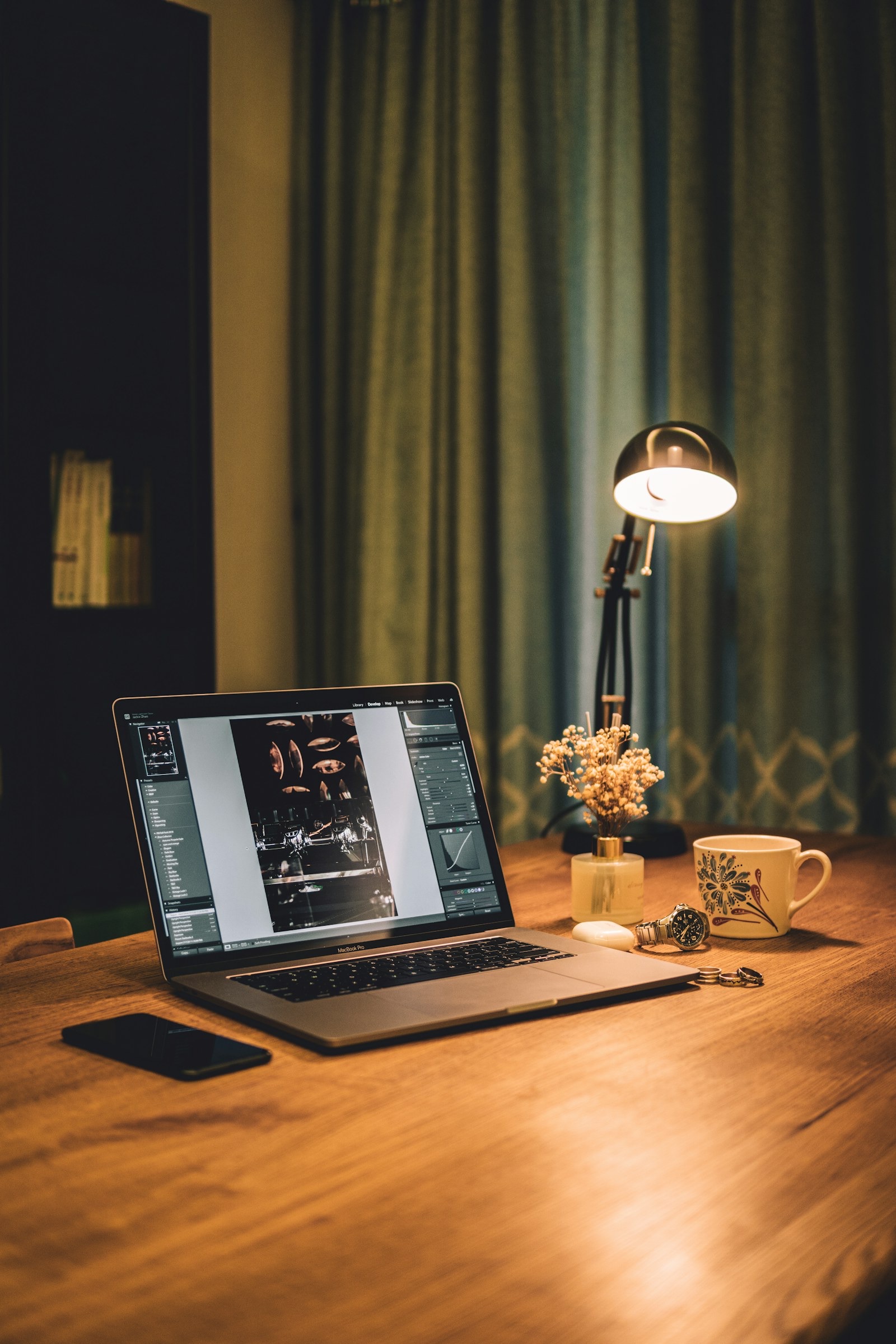
A desk lamp should light the work without shining into your eyes or reflecting off the screen. Before browsing styles, decide where it can stand and which task needs light after daylight fades.
Method and limits
This is an editorial decision guide, not a hands-on test of every product shown in Amazon results. Check claims against the exact listing and manual; prices can change.
Map the dark part of your day
Note whether you read paper, draw, use a keyboard or appear on video calls. A light that suits a notebook may not improve your face on camera, and a bright exposed bulb may distract from the screen. One lamp need not solve every lighting problem.
Position before brightness
Try the lamp on the side opposite your writing hand if shadows matter, then check for glare from the monitor and glossy surfaces. A flexible arm is useful only if it holds its position. For a small desk, compare the real base area with a clamp's required edge clearance.
Look beyond the headline specification
Check how low the lamp can dim, whether the light is diffused, and whether settings return after power is interrupted. Listings may use different brightness measurements, so compare like with like rather than choosing the largest number.
Choose a lamp you can live with
Make sure the cable reaches safely without tension and that the switch is not hidden behind a monitor. A replaceable bulb may simplify long-term ownership; an integrated light can be neater but makes repair dependent on the exact model.
Frequently asked questions
Is colour-temperature adjustment essential?
Not for everyone. Position, glare control and a usable dimming range usually make a more immediate difference to a small desk.
Should the lamp sit behind the monitor?
It can work for ambient light, but it may not light paper tasks well. Test the beam where your hands and page actually sit.
Office and remote work
Explore options on Amazon.co.uk
This affiliate link opens relevant Amazon.co.uk results, not a guaranteed deal or an endorsed model. Check the exact product, seller, price and delivery terms before buying.
As an Amazon Associate I earn from qualifying purchases. Prices and availability can change before checkout.
Transparency
As an Amazon Associate I earn from qualifying purchases. Some outbound links on Buy Sift point to Amazon.co.uk and use our Amazon Associates tag. If you buy after clicking one of these links, we may earn a commission at no extra cost to you.